Account Deletion: How do I delete my MaxBrain account?
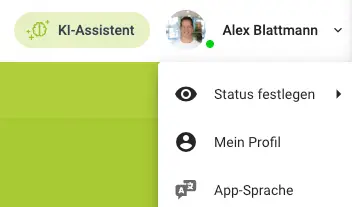
The following instructions explain how you, as a user or administrator, can permanently delete your MaxBrain account.
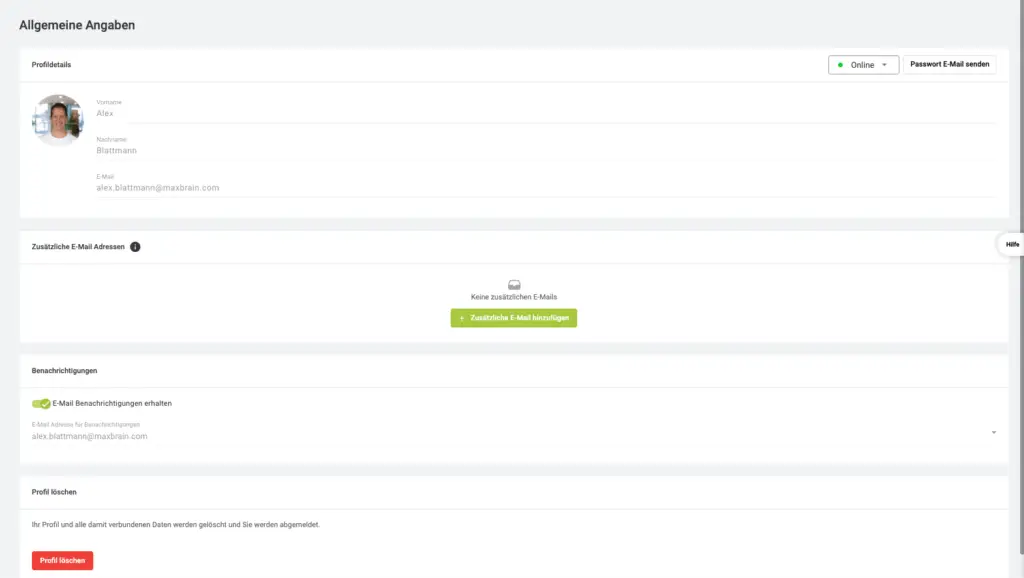
Step 2: Delete your
account
Click "Delete Account" on your profile.
By deleting the account, the user will lose access to the following items:
- Account, including name and email address
- All Course Materials
- All Reservations
- All Certificates
If you have any questions or problems, our support team will be happy to help.